React Fundamentals Revisited: Architecture, JSX, Props & TypeScript
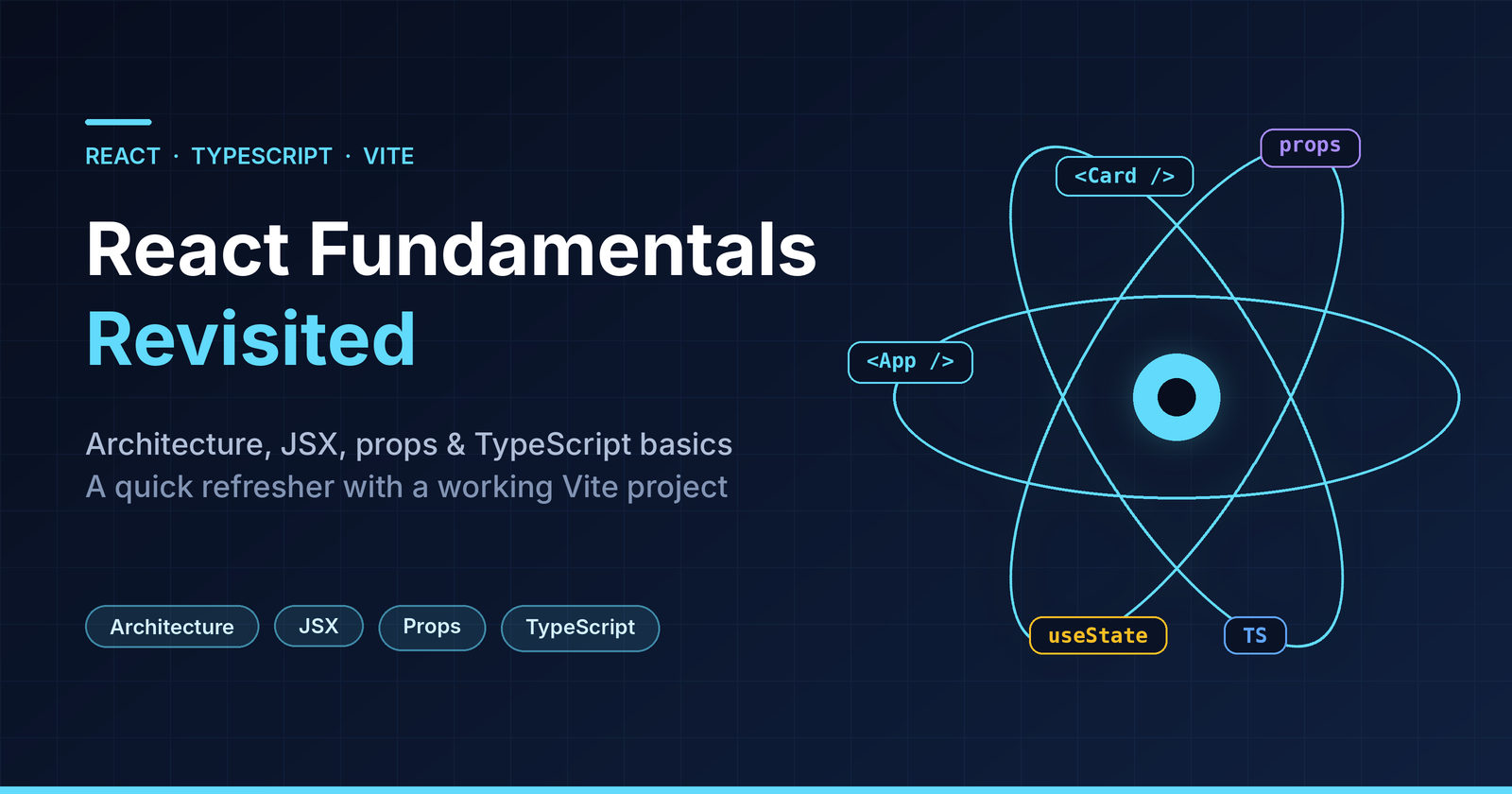
A short refresher for developers who already know JavaScript and a bit of TypeScript. We'll build a tiny Skill Board with Vite, React and TypeScript, and use it to cover the ideas that matter most in real-world React code.
Stack
- React 18
- TypeScript
- Vite
1. Project setup
npm create vite@latest react-architecture-demo -- --template react-ts
cd react-architecture-demo
npm install
npm run dev
Vite gives you a fast dev server, instant HMR and a sensible TypeScript setup with almost no configuration.
2. React architecture in a nutshell
Three ideas explain most of React's design.
1. UI is a tree of components. Each component is a function that takes input (props) and returns UI (JSX). App renders Card, which renders a List, which renders SkillCards.
2. Data flows one way: down. Parents pass data to children via props. Children talk back to parents by calling functions the parent passed in (callbacks). There's no two-way binding.
3. UI = f(state). You don't manipulate the DOM. You update state, and React re-renders and reconciles the difference.
Here's how the demo project is organised:
src/
├── components/     # reusable UI pieces (Card, Badge, List, SkillCard, FilterBar)
├── data/           # static / mock data
├── types.ts        # shared TypeScript types
├── App.tsx         # top-level component, owns the state
└── main.tsx        # entry point, mounts <App /> into the DOM
And the component tree:
App  (owns: skills, filter)
└── Card
    ├── FilterBar
    └── List<Skill>
        └── SkillCard
            └── Badge
Rule of thumb: keep state in the lowest component that needs it, or in the lowest common ancestor if siblings need to share it. Here skills and filter live in App because both the filter bar and the list depend on them. This pattern is called lifting state up.
The entry point is tiny:
// src/main.tsx
import { StrictMode } from "react";
import { createRoot } from "react-dom/client";
import App from "./App";
import "./index.css";

createRoot(document.getElementById("root")!).render(
  <StrictMode>
    <App />
  </StrictMode>
);
StrictMode doesn't render anything. In development it double-invokes some functions to help surface impure renders and missing effect cleanups.
3. JSX and components
JSX is just JavaScript
JSX looks like HTML but compiles to function calls (React.createElement or the newer jsx() runtime). A few rules to remember:
{}embeds any JavaScript expression (not statements likeiforfor).- Use
classNameinstead ofclass. - A component must return a single root (a wrapper element or a fragment
<>...</>). - Component names must start with a capital letter. Lowercase means a DOM tag.
Our Badge uses a template literal inside {} to build a class name:
// src/components/Badge.tsx
import type { Level } from "../types";

interface BadgeProps {
  level: Level;
}

export function Badge({ level }: BadgeProps) {
  return <span className={`badge badge--${level}`}>{level}</span>;
}
Conditional rendering and lists
Since if isn't allowed inside JSX, use ternaries, &&, or early returns. For lists, use .map() and give each item a stable key.
// src/components/List.tsx (core idea)
if (items.length === 0) {
  return <p className="empty">{emptyMessage}</p>;   // early return
}

return (
  <ul className="list">
    {items.map((item) => (
      <li key={getKey(item)}>{renderItem(item)}</li>  // stable key
    ))}
  </ul>
);
Why keys matter: React uses
keyto match items between renders. Use a stable ID from your data. Avoid array indexes if the list can be reordered, filtered or edited, or you'll get subtle bugs with state and animations.
Composition with children
Instead of configuring a component with dozens of props, let it wrap other content. Card doesn't care what's inside it:
// src/components/Card.tsx
import type { ReactNode } from "react";

interface CardProps {
  title: string;
  children: ReactNode;
}

export function Card({ title, children }: CardProps) {
  return (
    <section className="card">
      <h2 className="card__title">{title}</h2>
      {children}
    </section>
  );
}
Prefer composition over inheritance. It's the React way to reuse UI.
4. Props
Props are the read-only inputs to a component. Never mutate them. If something needs to change, that's state, and it belongs to a parent.
Passing data down, events up
SkillCard receives data (skill) and a callback (onToggle). It never changes the skill itself. It just tells the parent "the user clicked this one".
// src/components/SkillCard.tsx
import type { Skill } from "../types";
import { Badge } from "./Badge";

interface SkillCardProps {
  skill: Skill;
  onToggle: (id: number) => void;
}

export function SkillCard({ skill, onToggle }: SkillCardProps) {
  return (
    <div className={`skill ${skill.learned ? "skill--done" : ""}`}>
      <span className="skill__name">{skill.name}</span>
      <Badge level={skill.level} />
      <button onClick={() => onToggle(skill.id)}>
        {skill.learned ? "Undo" : "Mark learned"}
      </button>
    </div>
  );
}
The parent owns the state and performs the update immutably:
// src/App.tsx
const [skills, setSkills] = useState<Skill[]>(initialSkills);

const toggleSkill = (id: number) => {
  setSkills((prev) =>
    prev.map((s) => (s.id === id ? { ...s, learned: !s.learned } : s))
  );
};
Two things worth noting:
- Functional updates (
prev => ...) are safer than readingskillsdirectly, because they always work with the latest state. - Never mutate state (
skill.learned = true). React compares references, so mutating in place won't trigger a re-render reliably.
Derived data doesn't need state
visible and learnedCount are computed on each render from existing state. Storing them in extra state would only create a risk of values getting out of sync.
const visible =
  filter === "all" ? skills : skills.filter((s) => s.level === filter);
const learnedCount = skills.filter((s) => s.learned).length;
5. TypeScript basics that matter in React
Describe the shape of your data
// src/types.ts
export type Level = "beginner" | "intermediate" | "advanced";

export interface Skill {
  id: number;
  name: string;
  level: Level;
  learned: boolean;
}
- A union of string literals (
Level) is much safer thanstring. A typo like"advnced"becomes a compile error. - Use
interfaceortypefor object shapes. Either works for props. Pick one and stay consistent. In general,typeis needed for unions, andinterfaceis a good default for objects.
Type your props
Every component has a props interface. Mark optional props with ? and give them defaults via destructuring:
interface ListProps<T> {
  items: T[];
  getKey: (item: T) => string | number;
  renderItem: (item: T) => ReactNode;
  emptyMessage?: string;               // optional
}

export function List<T>({
  items,
  getKey,
  renderItem,
  emptyMessage = "Nothing here yet.",  // default value
}: ListProps<T>) { /* ... */ }
Generics: one component, any data type
List<T> doesn't know what an item is. TypeScript infers T from items, so renderItem and getKey are fully type-checked:
// src/App.tsx
<List
  items={visible}                          // Skill[]  →  T = Skill
  getKey={(s) => s.id}                     // s is Skill
  renderItem={(s) => <SkillCard skill={s} onToggle={toggleSkill} />}
  emptyMessage="No skills at this level."
/>
Hover over s in your editor and you'll see Skill. That's the payoff of generics: reusable code without losing type safety.
as const and deriving types from values
Define the allowed values once, and derive the type from them. No duplicated lists to keep in sync:
// src/components/FilterBar.tsx
import type { ChangeEvent } from "react";

export const FILTERS = ["all", "beginner", "intermediate", "advanced"] as const;
export type Filter = (typeof FILTERS)[number];
// → "all" | "beginner" | "intermediate" | "advanced"

interface FilterBarProps {
  value: Filter;
  onChange: (next: Filter) => void;
}

export function FilterBar({ value, onChange }: FilterBarProps) {
  const handleChange = (e: ChangeEvent<HTMLSelectElement>) => {
    onChange(e.target.value as Filter);
  };

  return (
    <label className="filter">
      Level:{" "}
      <select value={value} onChange={handleChange}>
        {FILTERS.map((f) => (
          <option key={f} value={f}>
            {f}
          </option>
        ))}
      </select>
    </label>
  );
}
Notice the event type, ChangeEvent<HTMLSelectElement>. React ships typed events for everything (MouseEvent, FormEvent, KeyboardEvent...), so e.target.value is correctly typed.
Typing useState
const [skills, setSkills] = useState<Skill[]>(initialSkills);
const [filter, setFilter] = useState<Filter>("all");
TypeScript can often infer the type, but be explicit when the initial value is too narrow (for example, useState<Skill | null>(null)) or when you're using a union type like Filter.
6. Putting it together
// src/App.tsx
import { useState } from "react";
import { Card } from "./components/Card";
import { FilterBar, type Filter } from "./components/FilterBar";
import { List } from "./components/List";
import { SkillCard } from "./components/SkillCard";
import { initialSkills } from "./data/skills";
import type { Skill } from "./types";

export default function App() {
  const [skills, setSkills] = useState<Skill[]>(initialSkills);
  const [filter, setFilter] = useState<Filter>("all");

  const toggleSkill = (id: number) => {
    setSkills((prev) =>
      prev.map((s) => (s.id === id ? { ...s, learned: !s.learned } : s))
    );
  };

  // Derived data: no extra state needed
  const visible =
    filter === "all" ? skills : skills.filter((s) => s.level === filter);
  const learnedCount = skills.filter((s) => s.learned).length;

  return (
    <main className="app">
      <h1>Skill Board</h1>
      <p>
        {learnedCount} of {skills.length} skills learned
      </p>

      <Card title="React skills">
        <FilterBar value={filter} onChange={setFilter} />
        <List
          items={visible}
          getKey={(s) => s.id}
          renderItem={(s) => <SkillCard skill={s} onToggle={toggleSkill} />}
          emptyMessage="No skills at this level."
        />
      </Card>
    </main>
  );
}
App owns the state. Everything below it is a mostly stateless, reusable, typed building block.
7. Quick recap (great for interview prep)
| Concept | One-liner |
|---|---|
| Component tree | UI is built from nested functions that return JSX |
| One-way data flow | Data goes down via props, events go up via callbacks |
| Lifting state up | Put state in the closest common parent of the components that need it |
| JSX | Syntax sugar for function calls. {} accepts expressions only |
| Keys | Stable IDs help React track list items between renders |
| Props | Read-only inputs. Never mutate them |
| Immutable updates | Return new objects and arrays; never edit state in place |
| Derived state | Compute from existing state instead of storing it twice |
| Union literal types | "a" | "b" catches typos at compile time |
| Generics | Reusable components that stay type-safe (List<T>) |
as const + typeof |
Single source of truth for values and types |
8. Where to go next
useEffectand data fetching (and when you don't need an effect)useReducerand Context for more complex state- Memoization (
memo,useMemo,useCallback), but only after measuring - Testing components with Vitest and React Testing Library
Run the project
unzip react-architecture-demo.zip
cd react-architecture-demo
npm install
npm run dev
Thanks for reading! If you spot something to improve, I'd love to hear it. The codebase link here.
Comments
Join the discussionNo comments yet. Be the first to comment.