React Fundamentals Revisited: State, Events, Conditional Rendering, Lists and Forms
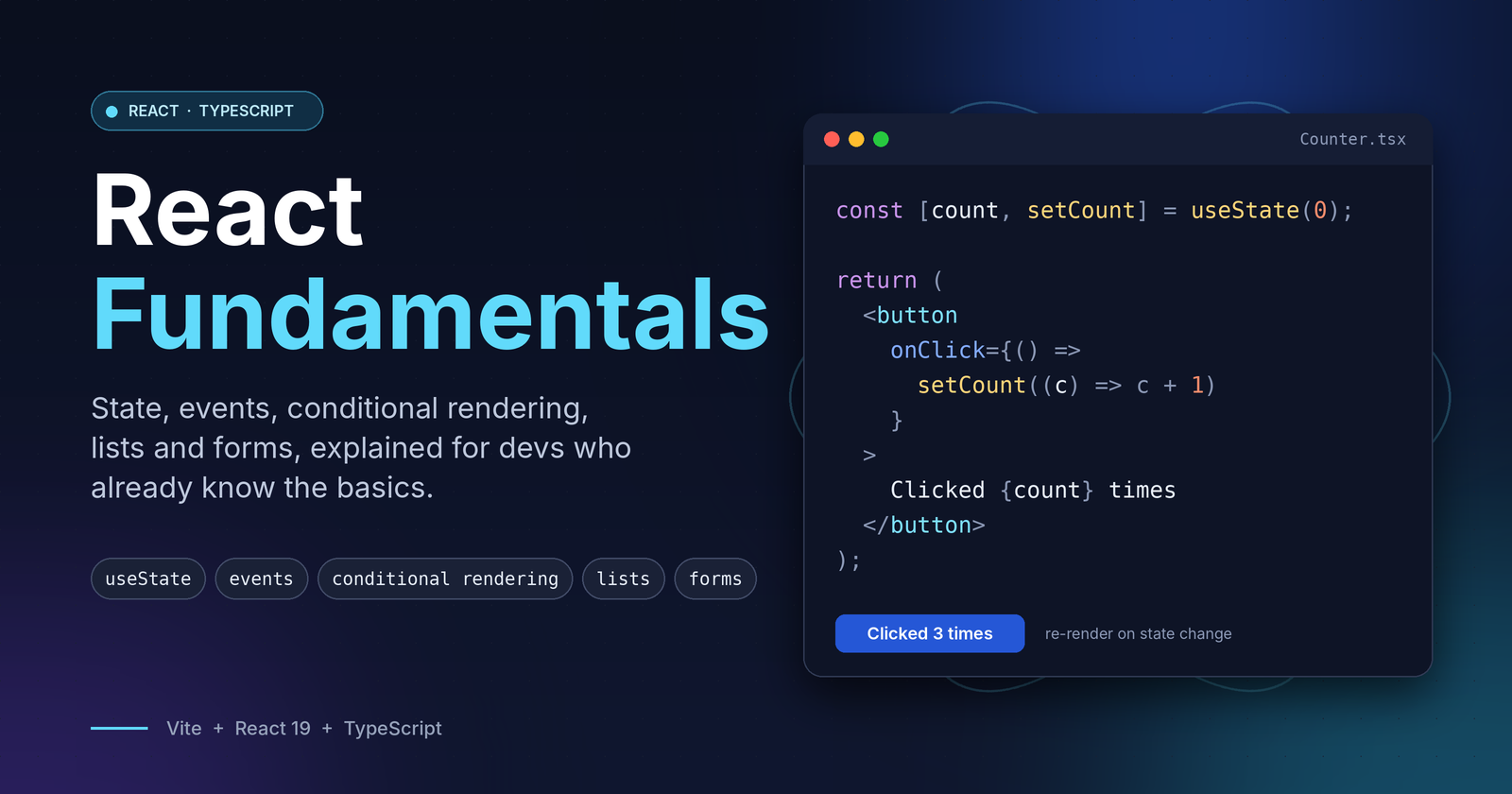
Most React bugs I have seen in code reviews come from the same few places: state that is mutated instead of replaced, conditions that render the wrong thing, lists with bad keys, and forms that fight the framework. This post is a compact revision of those five topics, written in TypeScript with a small Vite project to back it up.
Who this is for: you know modern JavaScript and basic TypeScript, and you want a quick, practical refresher on how React thinks.
Setup
npm create vite@latest react-state-fundamentals -- --template react-ts
cd react-state-fundamentals
npm install
npm run dev
The full source is in the accompanying project. Each section below maps to one component in src/components.
1. useState and events
State is data that, when it changes, makes React re-render the component. Events are how users change it.
import { useState } from "react";

export function Counter() {
  const [count, setCount] = useState(0);

  const increment = () => setCount((prev) => prev + 1);
  const reset = () => setCount(0);

  return (
    <>
      <p>{count}</p>
      <button onClick={increment}>+</button>
      <button onClick={reset}>Reset</button>
    </>
  );
}
Things worth remembering:
- Pass a function, not a call.
onClick={increment}is correct.onClick={increment()}runs during render. - Use the functional updater (
prev => ...) whenever the next value depends on the previous one. State updates are batched, so readingcountdirectly can give you a stale value. - State is a snapshot. Calling
setCountdoes not changecountin the current render. The new value appears on the next one. - Type your state when TypeScript cannot infer it. For example,
useState<User | null>(null). - Event types:
React.ChangeEvent<HTMLInputElement>,React.FormEvent<HTMLFormElement>,React.MouseEvent<HTMLButtonElement>.
2. Conditional rendering
JSX is just JavaScript, so you use JavaScript to decide what to show. There is no special template syntax.
type Status = "idle" | "loading" | "success" | "error";

const [status, setStatus] = useState<Status>("idle");

return (
  <>
    <p>{status === "loading" ? "Loading…" : `Status: ${status}`}</p>

    {status === "error" && <p role="alert">Something went wrong.</p>}
    {status === "success" && <p>Saved successfully.</p>}
  </>
);
Rules of thumb:
- Ternary (
a ? b : c) when you need one of two outputs. &&when you want something or nothing.- Union types for status (
"idle" | "loading" | ...) are safer than several booleans likeisLoading,isErrorandisSuccess, which can contradict each other. - Watch out for
0.{items.length && <List />}renders a literal0when the array is empty. Useitems.length > 0 &&instead. - If a condition gets complicated, extract it into a variable or a small component.
3. Lists and keys
Render lists with map, and give every item a stable, unique key.
type Todo = { id: number; text: string; done: boolean };

const [todos, setTodos] = useState<Todo[]>([]);

const addTodo = (text: string) =>
  setTodos((prev) => [...prev, { id: Date.now(), text, done: false }]);

const toggleTodo = (id: number) =>
  setTodos((prev) =>
    prev.map((t) => (t.id === id ? { ...t, done: !t.done } : t))
  );

const removeTodo = (id: number) =>
  setTodos((prev) => prev.filter((t) => t.id !== id));

return todos.length === 0 ? (
  <p>Nothing to do yet.</p>
) : (
  <ul>
    {todos.map((todo) => (
      <li key={todo.id}>
        <input
          type="checkbox"
          checked={todo.done}
          onChange={() => toggleTodo(todo.id)}
        />
        {todo.text}
        <button onClick={() => removeTodo(todo.id)}>Remove</button>
      </li>
    ))}
  </ul>
);
Why this matters:
- Never mutate state.
todos.push(...)ortodo.done = truewill not trigger a re-render reliably. Return new arrays and objects using spread,mapandfilter. - Keys tell React which item is which. Use an ID from your data. Avoid the array index when the list can be reordered, filtered or edited, because React may reuse the wrong DOM node and state.
- Handle the empty state. It is part of the UI, not an edge case.
- Derive, don't duplicate. The "remaining" count is
todos.filter(t => !t.done).length. It does not need its own state.
4. Forms (controlled components)
In a controlled input, React state is the single source of truth. The input displays value and reports changes through onChange.
type FormValues = {
  name: string;
  email: string;
  role: "frontend" | "backend" | "fullstack";
  newsletter: boolean;
};

type FormErrors = Partial<Record<keyof FormValues, string>>;

const [values, setValues] = useState<FormValues>(initialValues);
const [errors, setErrors] = useState<FormErrors>({});

const handleChange = (
  e: React.ChangeEvent<HTMLInputElement | HTMLSelectElement>
) => {
  const { name, type, value } = e.target;
  const next = type === "checkbox" ? (e.target as HTMLInputElement).checked : value;
  setValues((prev) => ({ ...prev, [name]: next }));
};

const handleSubmit = (e: React.FormEvent<HTMLFormElement>) => {
  e.preventDefault(); // stop the browser's full page reload
  const found = validate(values);
  setErrors(found);
  if (Object.keys(found).length > 0) return;
  // submit values...
};
<input name="name" value={values.name} onChange={handleChange} />
{errors.name && <small>{errors.name}</small>}
Takeaways:
- One state object plus one generic handler scales better than a
useStateper field. Thenameattribute on each input must match the key in your type. - Checkboxes use
checked, notvalue. - Always call
e.preventDefault()in a submit handler. Partial<Record<keyof FormValues, string>>gives you a typed error map that stays in sync with the form fields.- Validate on submit first. Add per-field validation on blur once the basics work.
- For large forms, reach for React Hook Form, but understand this pattern first. Libraries make more sense once you know what they replace.
Putting it together
The demo project renders all four components on one page. Each one is under 100 lines, strictly typed, and covers one concept.
src/
├── components/
│   ├── Counter.tsx       # useState, events
│   ├── StatusPanel.tsx   # conditional rendering
│   ├── TodoList.tsx      # lists, keys, immutable updates
│   └── SignupForm.tsx    # controlled form, validation
└── App.tsx
Quick recap
| Topic | Key idea |
|---|---|
useState |
State is a snapshot. Use the functional updater when depending on the previous value. |
| Events | Pass a function reference and type the event. |
| Conditional rendering | Use ?: and &&. Prefer union types over multiple booleans. Beware of 0. |
| Lists | Use map with stable keys. Update state immutably. |
| Forms | Controlled inputs, one change handler, validate on submit, preventDefault. |
If you can explain each row of that table and why it matters, you have the core of day-to-day React covered.
The full codebase is here
Comments
Join the discussionNo comments yet. Be the first to comment.