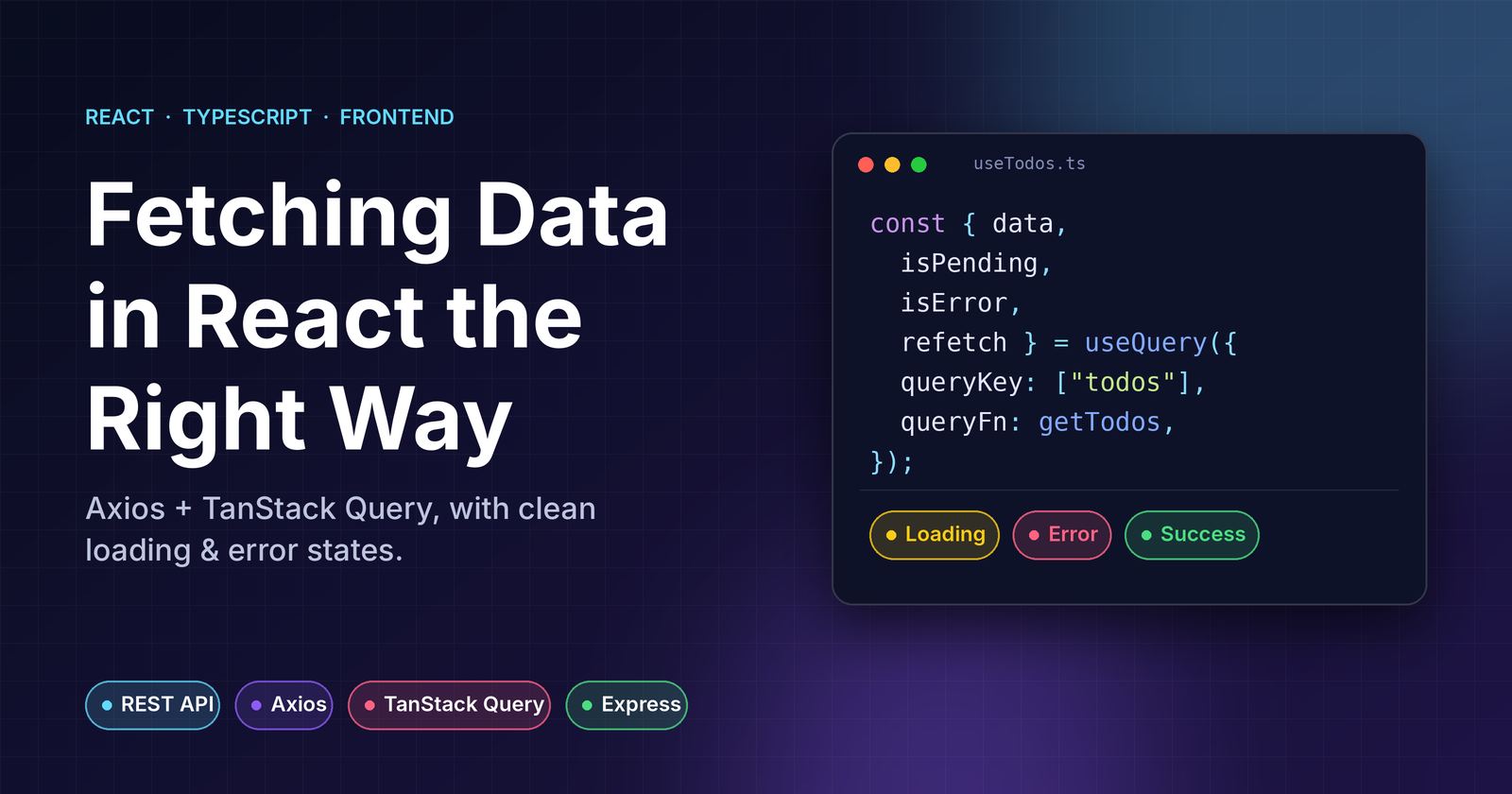
Most React tutorials fetch data with useEffect + useState. It works, until you need caching, retries, refetching, or a clean way to show loading and error states. Then you're hand-rolling a worse version of a library that already exists.
In this post we'll build a small todo app using:
- Axios for HTTP calls
- TanStack Query (v5) for server state: caching, loading/error states, mutations
- Express for a tiny REST backend
- Vite + React + TypeScript for the frontend
You should be comfortable with React hooks and basic TypeScript. The full code is here.
1. REST in 30 seconds
REST maps HTTP methods to operations on a resource. Our resource is todos:
| Method | Endpoint | Purpose | Success status |
|---|---|---|---|
| GET | /api/todos |
List todos | 200 |
| POST | /api/todos |
Create a todo | 201 |
| PATCH | /api/todos/:id |
Partial update | 200 |
| DELETE | /api/todos/:id |
Remove a todo | 204 |
Status codes matter on the frontend: Axios rejects the promise for anything outside 2xx, which is what lets TanStack Query detect errors for us.
2. Project structure
react-query-todos/
├── package.json          # npm workspaces + one "dev" script
├── server/
│   └── index.js          # Express API
└── client/
    ├── vite.config.ts    # dev proxy to the API
    └── src/
        ├── api/          # Axios instance + request functions
        ├── hooks/        # TanStack Query hooks
        ├── components/   # UI
        └── main.tsx      # QueryClientProvider
The key idea is separation of concerns: components never call Axios directly. They use hooks, and hooks use API functions.
Setup is a standard npm workspace, so a single npm install and npm run dev work the same on Windows, macOS and Linux:
npm install
npm run dev
3. The Express backend
An in-memory API is plenty for this demo. Two small middlewares make the frontend states easy to see: fake latency (so loading is visible) and a configurable failure rate (so errors are visible).
// server/index.js
import express from "express";

const app = express();
const DELAY_MS = Number(process.env.DELAY_MS ?? 600);
const FAIL_RATE = Number(process.env.FAIL_RATE ?? 0);

let todos = [{ id: 1, title: "Read the TanStack Query docs", completed: true }];
let nextId = 2;

app.use(express.json());
app.use((_req, _res, next) => setTimeout(next, DELAY_MS)); // fake latency
app.use((_req, res, next) => {
  if (Math.random() < FAIL_RATE) {
    return res.status(500).json({ message: "Simulated server failure" });
  }
  next();
});

app.get("/api/todos", (_req, res) => res.json(todos));

app.post("/api/todos", (req, res) => {
  const title = String(req.body?.title ?? "").trim();
  if (!title) return res.status(400).json({ message: "Title is required" });

  const todo = { id: nextId++, title, completed: false };
  todos.push(todo);
  res.status(201).json(todo);
});

// PATCH and DELETE follow the same pattern (see the repo)

app.listen(4000, () => console.log("API on http://localhost:4000"));
Run npm run dev:flaky to make 40% of requests fail. This uses cross-env, so the environment variable works on Windows too.
Avoiding CORS: instead of enabling CORS on Express, we let Vite's dev server proxy /api to the backend. The browser only ever talks to one origin:
// client/vite.config.ts
export default defineConfig({
  plugins: [react()],
  server: { proxy: { "/api": "http://localhost:4000" } },
});
4. Axios: one instance, typed functions
Create one configured instance so baseURL, timeouts and (later) auth headers live in one place:
// client/src/api/client.ts
import axios from "axios";

export const api = axios.create({ baseURL: "/api", timeout: 5000 });

export function getErrorMessage(error: unknown): string {
  if (axios.isAxiosError<{ message?: string }>(error)) {
    return error.response?.data?.message ?? error.message;
  }
  return error instanceof Error ? error.message : "Something went wrong";
}
getErrorMessage is worth having. Errors are unknown in TypeScript, and an Axios error can come from the server (response), the network (no response), or a timeout. This helper normalises all of them into a string.
Then write plain, typed request functions. They know nothing about React:
// client/src/api/todos.ts
import { api } from "./client";

export interface Todo {
  id: number;
  title: string;
  completed: boolean;
}

export const getTodos = async () => {
  const { data } = await api.get<Todo[]>("/todos");
  return data;
};

export const createTodo = async (title: string) => {
  const { data } = await api.post<Todo>("/todos", { title });
  return data;
};
The generic (api.get<Todo[]>) types data for you. Keeping these functions framework-free makes them trivial to test and reuse.
5. TanStack Query: server state, not client state
The mental model that makes everything click: data from a server isn't your state, it's a cache of someone else's state. TanStack Query manages that cache for you.
First, provide a QueryClient:
// client/src/main.tsx
const queryClient = new QueryClient({
  defaultOptions: {
    queries: {
      retry: 1,          // default is 3 with backoff; feels slow in a demo
      staleTime: 30_000, // data is "fresh" for 30s, so no needless refetches
    },
  },
});

createRoot(document.getElementById("root")!).render(
  <StrictMode>
    <QueryClientProvider client={queryClient}>
      <App />
    </QueryClientProvider>
  </StrictMode>,
);
Reading data: useQuery
// client/src/hooks/useTodos.ts
export const todoKeys = { all: ["todos"] as const };

export function useTodos() {
  return useQuery({
    queryKey: todoKeys.all,
    queryFn: getTodos,
  });
}
Two things to know:
queryKeyis the cache identity. Same key means same cached data. If the query depended on a variable (say a filter), you'd put it in the key:["todos", { filter }].queryFnjust needs to return a promise. Because Axios rejects on non-2xx, any failure becomes a query error automatically.
Writing data: useMutation + invalidation
function useRefreshTodos() {
  const queryClient = useQueryClient();
  return () => queryClient.invalidateQueries({ queryKey: todoKeys.all });
}

export function useCreateTodo() {
  const refresh = useRefreshTodos();
  return useMutation({ mutationFn: createTodo, onSuccess: refresh });
}
After a successful write we invalidate the todos key. TanStack Query marks it stale and refetches it, so the list updates with the server's truth. No manual setTodos, no stale UI.
6. Loading and error states
This is where the library pays off. useQuery hands you the whole lifecycle:
// client/src/components/TodoList.tsx
export function TodoList() {
  const { data: todos, isPending, isError, error, refetch, isFetching } = useTodos();

  if (isPending) return <p>Loading todos…</p>;

  if (isError) {
    return (
      <div role="alert">
        <p>Could not load todos: {getErrorMessage(error)}</p>
        <button onClick={() => refetch()} disabled={isFetching}>
          {isFetching ? "Retrying…" : "Try again"}
        </button>
      </div>
    );
  }

  if (todos.length === 0) return <p>Nothing to do. Enjoy your day!</p>;

  return (
    <>
      <ul>{todos.map((todo) => <TodoItem key={todo.id} todo={todo} />)}</ul>
      {isFetching && <small>Refreshing…</small>}
    </>
  );
}
Note the early returns: once you've handled isPending and isError, TypeScript narrows data to Todo[] and you don't need todos?.map.
isPending vs isFetching (a classic interview question)
| Flag | Meaning |
|---|---|
isPending |
No data yet (first load). Show a full loading state. |
isFetching |
A request is in flight, even if cached data is on screen. |
Use isPending for the initial skeleton and isFetching for subtle "refreshing" or "retrying" indicators. In v5, isPending replaced v4's isLoading for the "no data yet" check.
Mutation states
Mutations expose the same kind of flags, so forms are easy to get right:
// client/src/components/AddTodoForm.tsx
const { mutate, isPending, isError, error } = useCreateTodo();

const handleSubmit = (e: FormEvent) => {
  e.preventDefault();
  if (!title.trim()) return;
  mutate(title, { onSuccess: () => setTitle("") });
};

// ...
<button type="submit" disabled={isPending}>
  {isPending ? "Adding…" : "Add"}
</button>;
{isError && <p className="error">{getErrorMessage(error)}</p>}
Disabling the button while pending prevents double submits. Clearing the input in the call-level onSuccess means the text is only wiped when the request actually worked.
Each TodoItem calls its own useToggleTodo() and useDeleteTodo(), so every row has independent pending and error state. Deleting one item doesn't disable the others.
7. Try it yourself
npm run dev          # normal
npm run dev:flaky    # 40% of requests fail
With dev:flaky, reload a few times: you'll see the loading state, the error state with retry, and automatic recovery when you click Try again.
What I'd say in an interview
- Why TanStack Query over
useEffect? It handles caching, deduplication, retries, background refetching and request lifecycle states, so I don't reinvent them. - Server state vs client state: server state is async, shared and can go stale; client state (form inputs, modals) is synchronous and local. I keep them separate.
- Why an Axios instance? Centralised config and interceptors (auth tokens, error handling) instead of repeating them everywhere.
- Why invalidation instead of manually updating state? It keeps the UI in sync with the server by construction. For snappier UX I could add optimistic updates with
onMutate.
Where to go next
- Optimistic updates for toggling todos
useQuerywith parameters (filters, pagination) andplaceholderData- Error boundaries with
throwOnError - React Query Devtools (
@tanstack/react-query-devtools) - Replacing the in-memory store with a real database
Comments
Join the discussionNo comments yet. Be the first to comment.