Context, useReducer, and Composition: State Management in React Without a Library
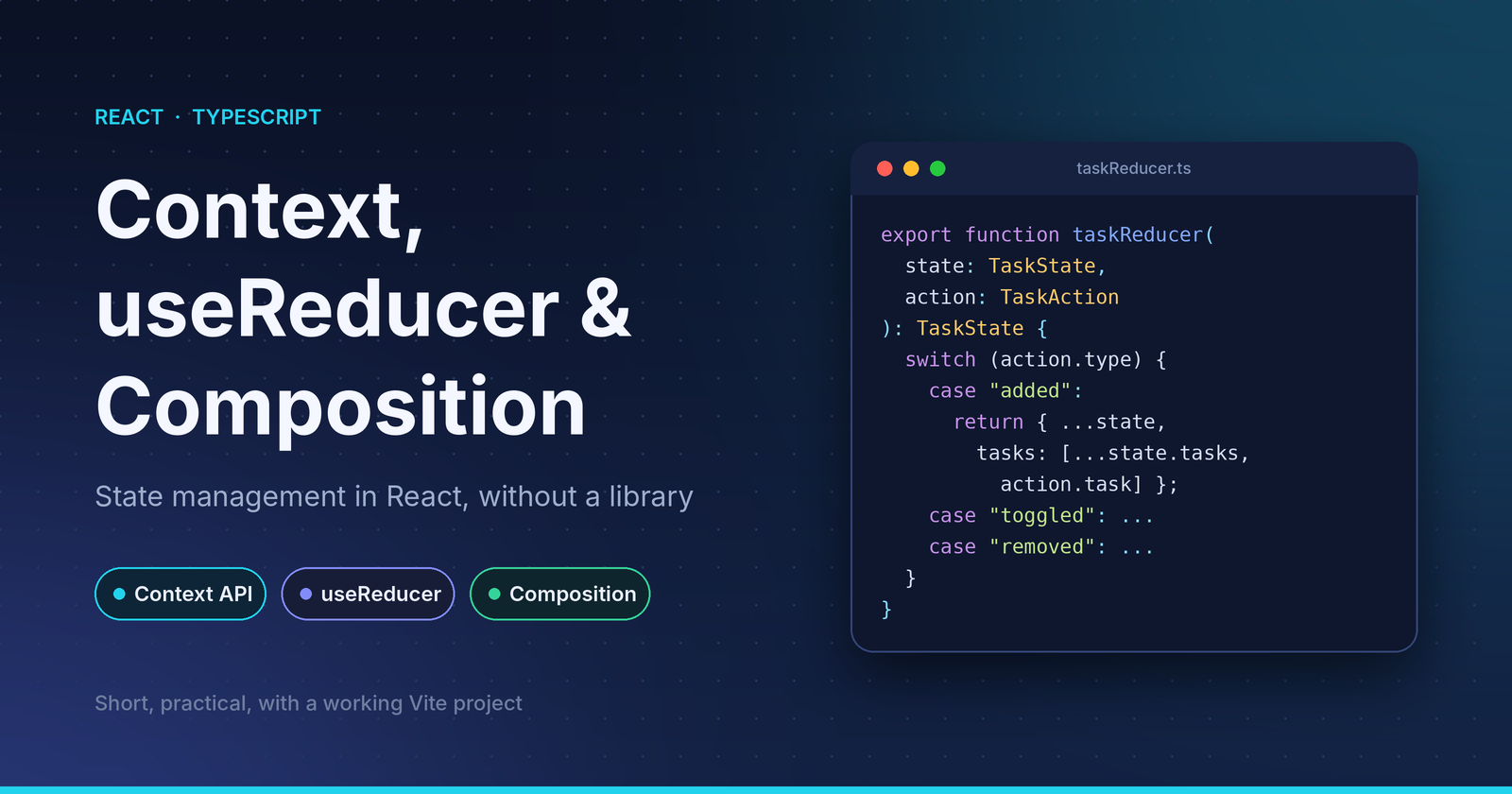
You don't need Redux for most apps. React ships with three tools that, combined well, cover the majority of state-management needs: useReducer for predictable updates, Context for sharing state without prop drilling, and composition for keeping components flexible.
This post builds a small Task Board with all three. The full project (Vite + React + TypeScript) is in here. It runs on Windows, macOS, and Linux with npm install && npm run dev.
Assumed knowledge: you know useState, props, and basic TypeScript types.
1. useReducer: make state transitions explicit
useState works until one state object has many ways of changing. Then your event handlers fill up with scattered setState logic. useReducer moves all of it to one pure function.
First, describe what can happen as a discriminated union:
// types.ts
export type TaskAction =
  | { type: "added"; task: Task }
  | { type: "toggled"; id: string }
  | { type: "removed"; id: string }
  | { type: "filterChanged"; filter: Filter }
  | { type: "completedCleared" };
Then write the reducer:
// state/taskReducer.ts
export function taskReducer(state: TaskState, action: TaskAction): TaskState {
  switch (action.type) {
    case "added":
      return { ...state, tasks: [...state.tasks, action.task] };

    case "toggled":
      return {
        ...state,
        tasks: state.tasks.map((t) =>
          t.id === action.id ? { ...t, done: !t.done } : t,
        ),
      };

    // ...removed, filterChanged, completedCleared

    default: {
      const _exhaustive: never = action;
      return _exhaustive;
    }
  }
}
Three things worth noticing:
- It's pure. No
Date.now(), norandomUUID(), no API calls. That's why theaddedaction carries a ready-madetask: the id is generated by the caller. Pure reducers are trivially testable and behave correctly under React Strict Mode, which runs them twice in development. - It never mutates. Every branch returns a new object. React relies on reference changes to detect updates.
- The
nevercheck gives exhaustiveness. Add a new action type and forget to handle it, and TypeScript fails the build at that line.
Because the reducer is a plain function, testing needs no React at all:
it("toggles only the matching task", () => {
  const next = taskReducer(base, { type: "toggled", id: "a" });
  expect(next.tasks.map((t) => t.done)).toEqual([true, true]);
});
Rule of thumb: reach for useReducer when state has multiple sub-values, or when the next state depends on the previous one in several different ways. Stay with useState for a single toggle or input.
2. Context: share state without prop drilling
Context solves one problem: getting data to deeply nested components without passing props through every layer. It is not a state manager. It only transports a value. Pairing it with useReducer is what gives you state and a way to update it.
// state/TaskContext.tsx
const TaskStateContext = createContext<TaskState | null>(null);
const TaskDispatchContext = createContext<Dispatch<TaskAction> | null>(null);

export function TaskProvider({ children }: { children: ReactNode }) {
  const [state, dispatch] = useReducer(taskReducer, initialState);

  return (
    <TaskStateContext.Provider value={state}>
      <TaskDispatchContext.Provider value={dispatch}>
        {children}
      </TaskDispatchContext.Provider>
    </TaskStateContext.Provider>
  );
}
Why two contexts?
Every component that calls useContext(X) re-renders when X's value changes. dispatch is stable for the lifetime of the component, but state changes constantly. If both lived in one context, a component that only sends actions (like the add-task form) would still re-render on every change.
Splitting them means TaskForm subscribes only to dispatch and stays untouched when the list updates.
Wrap the context in custom hooks
Don't export the raw contexts. Export hooks that fail loudly when misused:
export function useTaskState(): TaskState {
  const ctx = useContext(TaskStateContext);
  if (!ctx) throw new Error("useTaskState must be used inside <TaskProvider>");
  return ctx;
}
This does two jobs: it removes the | null from the type, so consumers never need a null check, and it turns a confusing "cannot read property of null" into a clear error message.
Derive, don't duplicate
The filtered list is not stored in state. It's computed:
export function useVisibleTasks(): Task[] {
  const { tasks, filter } = useTaskState();
  return useMemo(() => {
    if (filter === "active") return tasks.filter((t) => !t.done);
    if (filter === "done") return tasks.filter((t) => t.done);
    return tasks;
  }, [tasks, filter]);
}
Storing both tasks and visibleTasks would create two sources of truth that can drift apart. Keep state minimal and derive the rest.
Consuming it is now short and type-safe:
export function TaskForm() {
  const dispatch = useTaskDispatch();
  // ...
  dispatch({
    type: "added",
    task: { id: crypto.randomUUID(), title: trimmed, done: false },
  });
}
When Context is the wrong tool
Context has no built-in selectors: any change to the state value re-renders every consumer of it. That's fine for low-frequency, app-level state (theme, auth, a modest feature store). For large, rapidly changing state, or when you need fine-grained subscriptions, look at Zustand, Jotai, or Redux Toolkit. Knowing this boundary matters as much as knowing the API.
3. Composition: build flexible components, not configurable ones
A common mistake is adding props until a component becomes a maze of conditionals:
// Hard to extend, every new need adds another prop
<Card title="Tasks" showFooter footerText="..." headerAction={<Button />} />
Composition flips this. The parent owns layout, and the consumer decides content through children. Here is a small compound component:
// components/Card.tsx
type SlotProps = { children: ReactNode };

export function Card({ children }: SlotProps) {
  return <section className="card">{children}</section>;
}

function Header({ children }: SlotProps) {
  return <header className="card-header">{children}</header>;
}
function Body({ children }: SlotProps) {
  return <div className="card-body">{children}</div>;
}
function Footer({ children }: SlotProps) {
  return <footer className="card-footer">{children}</footer>;
}

Card.Header = Header;
Card.Body = Body;
Card.Footer = Footer;
And usage reads like the UI it produces:
// App.tsx
export default function App() {
  return (
    <TaskProvider>
      <main>
        <Card>
          <Card.Header>
            <h1>Task Board</h1>
            <TaskForm />
          </Card.Header>
          <Card.Body>
            <TaskList />
          </Card.Body>
          <Card.Footer>
            <FilterBar />
          </Card.Footer>
        </Card>
      </main>
    </TaskProvider>
  );
}
Card knows nothing about tasks. TaskList knows nothing about cards. Neither receives props from App, because the Context supplies the data directly. That is the payoff of combining the three ideas:
| Tool | Responsibility |
|---|---|
useReducer |
How state changes |
| Context | Where state is available |
| Composition | How the UI is assembled |
There's also a subtle performance benefit. TaskProvider receives children as a prop, so when its state changes, React doesn't re-create those child elements. Only components that actually consume the context re-render.
Common pitfalls
- Creating the context value inline with objects. If you ever pass
value={{ state, dispatch }}, you create a new object every render and re-render all consumers. Passstateanddispatchseparately, as above, or memoize the object. - Impure reducers. Generating ids, reading the clock, or calling APIs inside a reducer breaks predictability. Do it before dispatching.
- One giant context. Split by concern (auth, theme, tasks), not into a single global store.
- Overusing Context for local state. If only one component and its children need the data, plain props or
useStateare simpler.
Summary
- Use
useReducerwith a typed action union when state transitions get non-trivial. Keep the reducer pure and test it without React. - Use Context to avoid prop drilling. Split state and dispatch, wrap them in custom hooks, and derive data instead of storing it.
- Use composition (
children, compound components) to keep components generic and reusable. - Know the limits: Context isn't a selector-based store, so reach for a dedicated library when scale demands it.
Run the project
npm install
npm run dev     # http://localhost:5173
npm test        # reducer tests
npm run build   # type-check + production build
Comments
Join the discussionNo comments yet. Be the first to comment.