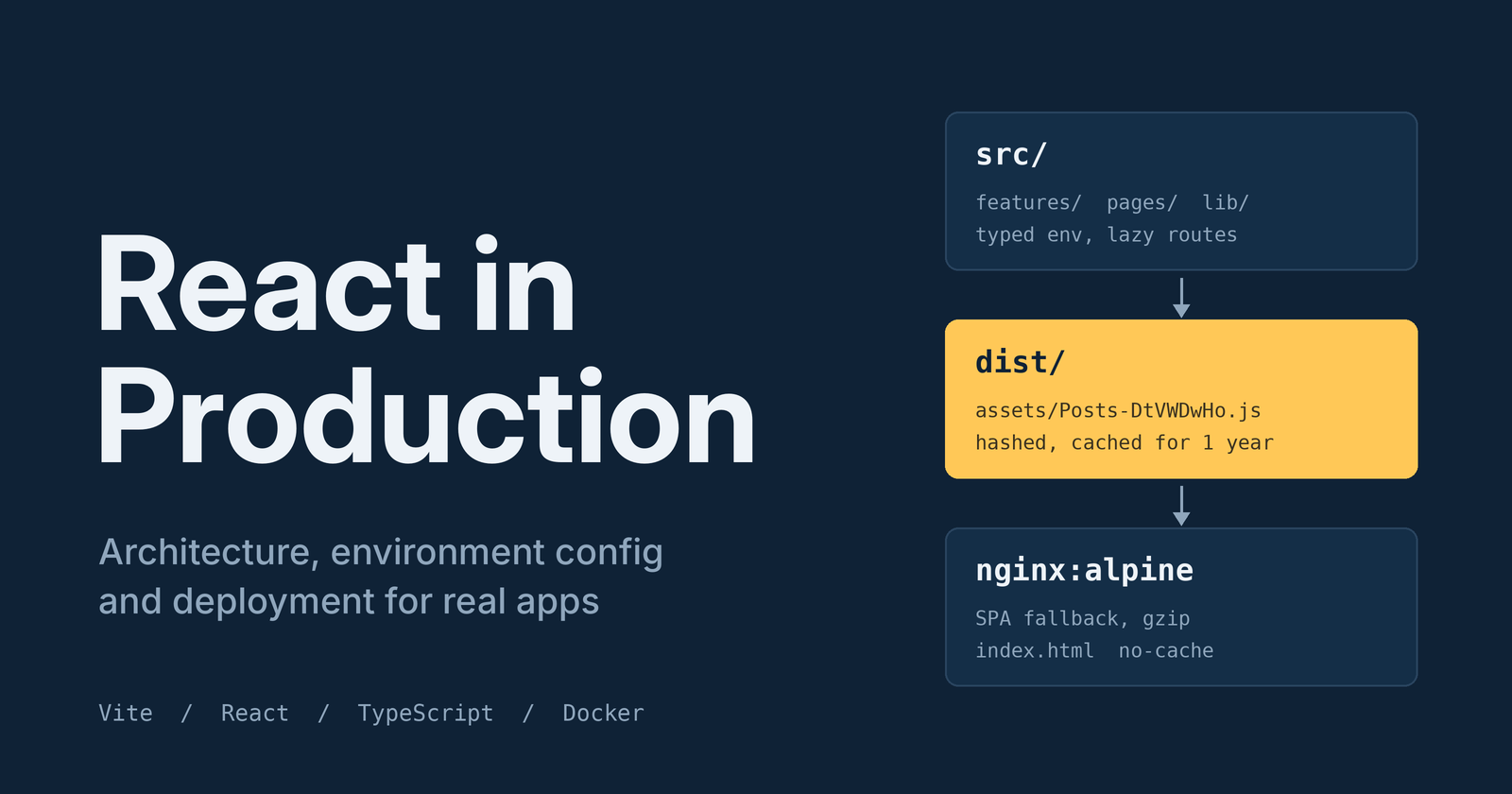
Most React tutorials stop when npm run dev works. Real projects start after that. This post covers the decisions I make when taking a Vite + React + TypeScript app from "works on my machine" to "safe to ship."
It's written for developers who already know JavaScript/TypeScript and basic React. The full example project is a small Vite app (react-production-starter) that you can run locally.
1. Architecture: organize by feature, not by file type
A folder-per-type layout (components/, hooks/, services/) falls apart as an app grows, because one feature ends up scattered across five folders. I group by feature instead:
src/
├── app/            # router, providers: app-wide wiring
├── components/     # shared, generic UI (Layout, ErrorBoundary)
├── config/         # env parsing
├── features/
│   └── posts/      # everything about "posts" lives together
│       ├── api.ts
│       ├── usePosts.ts
│       └── PostList.tsx
├── lib/            # framework-agnostic helpers (API client)
└── pages/          # thin route-level components
Rules I follow:
- Pages are thin. They compose feature components and nothing more.
- Features don't import from each other. If two features need the same thing, it moves to
components/orlib/. - Data fetching lives in a hook, not in the component. The component renders; the hook owns loading, error, and success states.
Add an import alias so you never write ../../../:
// vite.config.ts
import { fileURLToPath, URL } from 'node:url'

export default defineConfig({
  plugins: [react()],
  resolve: {
    alias: { '@': fileURLToPath(new URL('./src', import.meta.url)) },
  },
})
// tsconfig.app.json → compilerOptions
"paths": { "@/*": ["./src/*"] }
A typed API layer and a safe data hook
One small wrapper gives you a base URL, consistent errors, and a place to add auth headers later:
// src/lib/api.ts
export class ApiError extends Error {
  readonly status: number
  constructor(status: number, message: string) {
    super(message)
    this.name = 'ApiError'
    this.status = status
  }
}

export async function api<T>(path: string, init?: RequestInit): Promise<T> {
  const res = await fetch(`${env.apiUrl}${path}`, {
    headers: { 'Content-Type': 'application/json' },
    ...init,
  })
  if (!res.ok) throw new ApiError(res.status, `Request failed: ${res.statusText}`)
  return res.json() as Promise<T>
}
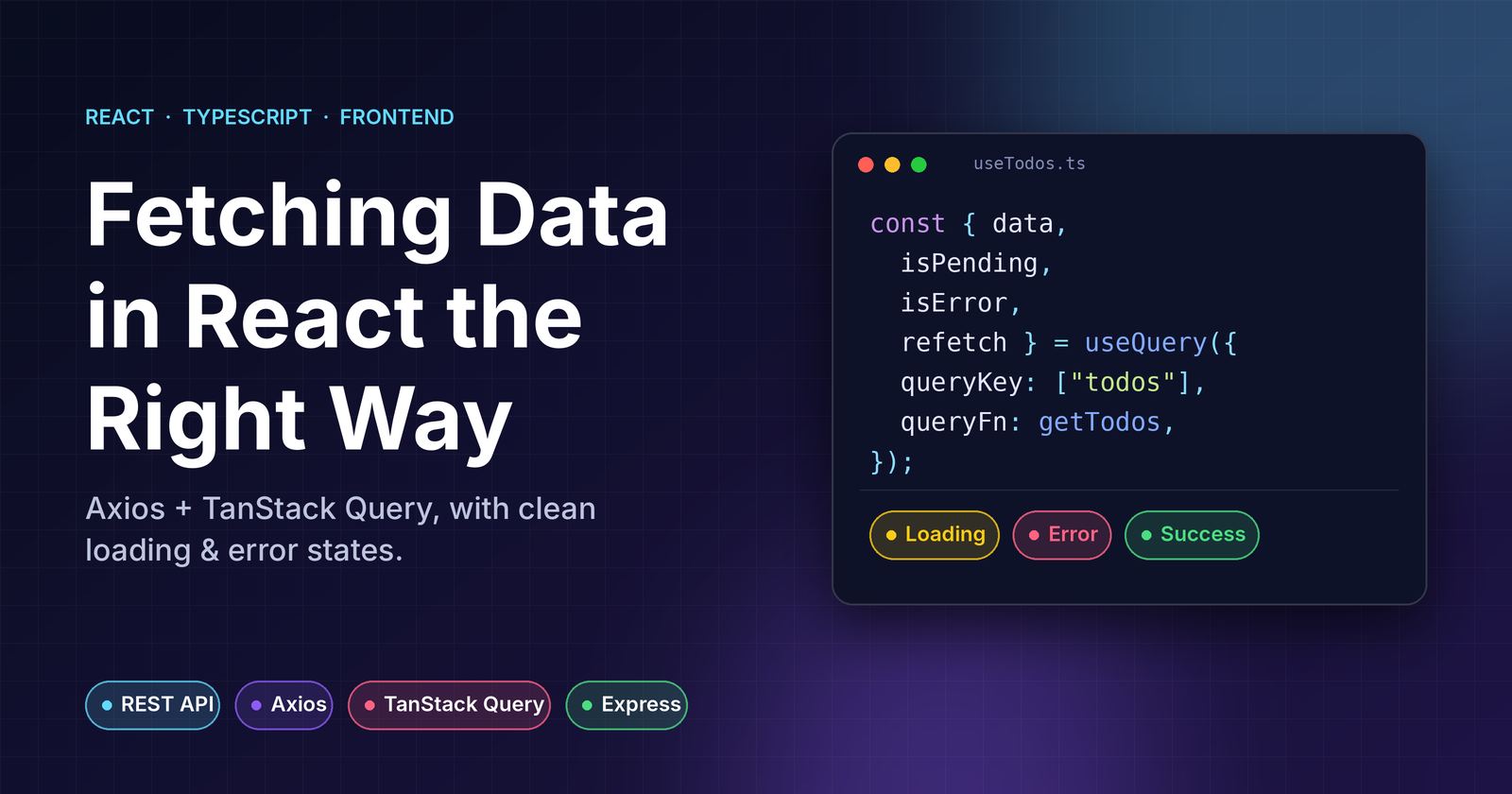
The hook models state as a discriminated union, so impossible states (like loading and error) can't exist, and cancels requests on unmount:
// src/features/posts/usePosts.ts
type State =
  | { status: 'loading' }
  | { status: 'error'; message: string }
  | { status: 'success'; data: Post[] }

export function usePosts() {
  const [state, setState] = useState<State>({ status: 'loading' })

  useEffect(() => {
    const controller = new AbortController()

    getPosts(controller.signal)
      .then((data) => setState({ status: 'success', data }))
      .catch((err: unknown) => {
        if (err instanceof DOMException && err.name === 'AbortError') return
        setState({
          status: 'error',
          message: err instanceof Error ? err.message : 'Unknown error',
        })
      })

    return () => controller.abort()
  }, [])

  return state
}
In a larger app I'd reach for TanStack Query to get caching, retries, and deduplication for free. I kept a hand-written hook here to show what's happening underneath.
2. Environment configuration
Two things trip people up with Vite:
- Only variables prefixed with
VITE_reach the browser. - They are replaced at build time, not read at runtime. Changing a value means rebuilding.
And a rule that follows from both: never put secrets in a VITE_ variable. Everything ends up in public JavaScript. Secrets belong on a server.
Use one file per environment (.env.development, .env.production) and commit an .env.example. Then type your variables and validate them in one place:
// src/vite-env.d.ts
interface ImportMetaEnv {
  readonly VITE_API_URL: string
  readonly VITE_APP_ENV: 'development' | 'staging' | 'production'
}
// src/config/env.ts
function required(name: keyof ImportMetaEnv): string {
  const value = import.meta.env[name]
  if (!value) throw new Error(`Missing environment variable: ${name}`)
  return value
}

export const env = {
  apiUrl: required('VITE_API_URL'),
  appEnv: required('VITE_APP_ENV'),
  isProd: import.meta.env.PROD,
} as const
The rest of the app imports env, never import.meta.env directly. A missing variable now crashes at startup with a clear message instead of producing undefined/posts requests in production.
3. Production practices that matter
Split code by route
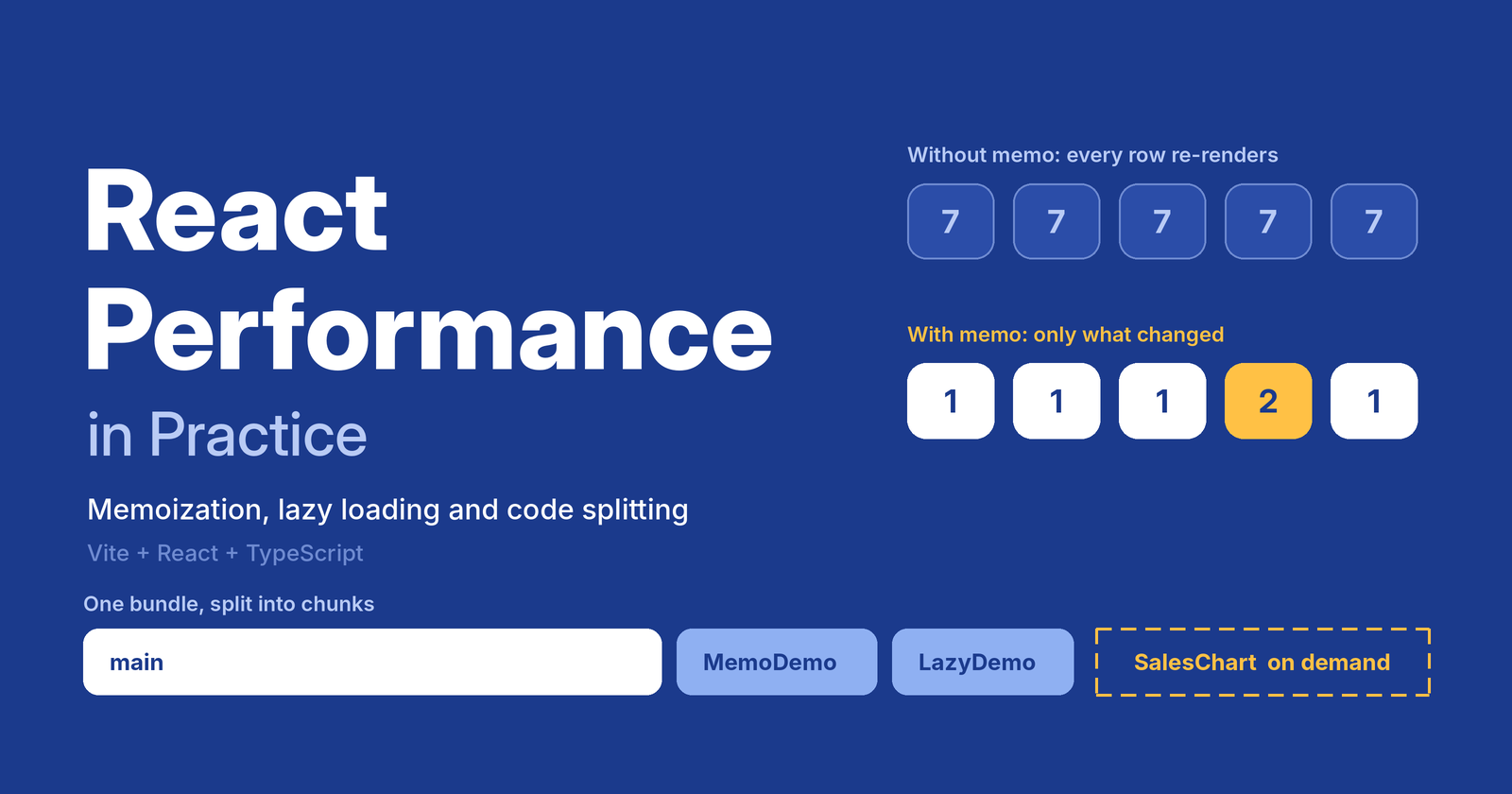
Users shouldn't download the whole app to see the home page. React.lazy plus dynamic import() gives each page its own chunk:
// src/app/router.tsx
const Home = lazy(() => import('@/pages/Home'))
const Posts = lazy(() => import('@/pages/Posts'))

export const router = createBrowserRouter([
  {
    element: <Layout />,
    children: [
      { index: true, element: <Suspense fallback={<p>Loading…</p>}><Home /></Suspense> },
      { path: 'posts', element: <Suspense fallback={<p>Loading…</p>}><Posts /></Suspense> },
    ],
  },
])
The build output confirms it: Home, Posts, and NotFound each become separate files of about 1 KB.
Add an error boundary
An uncaught render error unmounts your entire tree and leaves a white screen. An error boundary contains the damage and gives you a hook for error reporting. It still has to be a class component, even in React 19:
// src/components/ErrorBoundary.tsx
export class ErrorBoundary extends Component<Props, State> {
  state: State = { hasError: false }

  static getDerivedStateFromError(): State {
    return { hasError: true }
  }

  componentDidCatch(error: Error, info: ErrorInfo) {
    // Send to Sentry / Datadog here
    console.error('Unhandled UI error', error, info.componentStack)
  }

  render() {
    if (this.state.hasError) {
      return (
        <div role="alert">
          <h2>Something went wrong</h2>
          <button onClick={() => window.location.reload()}>Reload page</button>
        </div>
      )
    }
    return this.props.children
  }
}
Wrap the router with it once in App.tsx. Error boundaries don't catch errors in event handlers or async code, so you still handle those yourself (as the usePosts hook does).
Make the build fail loudly
"build": "tsc -b && vite build" means a type error breaks the build. Pair it with a linter in CI so broken code can't be merged.
# .github/workflows/ci.yml
- run: npm ci
- run: npm run lint
- run: npm run build
4. Deployment
A Vite build produces plain static files. You don't need Node in production, just a web server. A multi-stage Docker build keeps the final image small:
# build stage
FROM node:22-alpine AS build
WORKDIR /app
COPY package*.json ./
RUN npm ci
COPY . .
ARG VITE_API_URL
ARG VITE_APP_ENV=production
ENV VITE_API_URL=$VITE_API_URL VITE_APP_ENV=$VITE_APP_ENV
RUN npm run build

# runtime stage: only nginx + static files
FROM nginx:1.27-alpine
COPY nginx.conf /etc/nginx/conf.d/default.conf
COPY --from=build /app/dist /usr/share/nginx/html
EXPOSE 80
Notice the ARGs: since env vars are baked in at build time, they're passed with --build-arg, not at docker run.
The nginx config handles the three things every SPA deployment needs:
# Hashed assets never change → cache for a year
location /assets/ {
  add_header Cache-Control "public, max-age=31536000, immutable";
  try_files $uri =404;
}

# index.html must be revalidated, otherwise users get stale deploys
location = /index.html {
  add_header Cache-Control "no-cache";
}

# SPA fallback: /posts should serve index.html, not a 404
location / {
  try_files $uri /index.html;
}
Why this works: Vite puts a content hash in every asset filename (Posts-DtVWDwHo.js), so a new deploy means new filenames. That makes aggressive caching safe, as long as index.html, which points to those files, is never cached.
Run it:
docker build --build-arg VITE_API_URL=https://api.example.com -t starter .
docker run -p 8080:80 starter
If you don't want containers, the same dist/ folder deploys unchanged to Vercel, Netlify, or S3 + CloudFront. Just configure the SPA fallback and the cache headers above.
5. Pre-launch checklist
- No secrets in
VITE_*variables - Env vars typed and validated at startup
- Routes lazy-loaded; bundle size checked after build
- Error boundary at the root, with error reporting wired up
- Hashed assets cached long-term,
index.htmlnot cached - SPA fallback configured on the server
- CI runs lint, type-check, and build on every PR
- Source maps uploaded to your error tracker, not served publicly
- Security headers set (
X-Content-Type-Options,X-Frame-Options, a Content-Security-Policy)
Wrapping up
None of this is exotic, and that's the point. Production readiness is mostly a handful of small, deliberate choices: a predictable folder structure, validated config, code splitting, a safety net for runtime errors, and a deployment that caches correctly. Put them in place early and the app is much easier to grow and debug.
Here is the full code.
Comments
Join the discussionNo comments yet. Be the first to comment.