Understanding MCP Servers: A Beginner's Guide
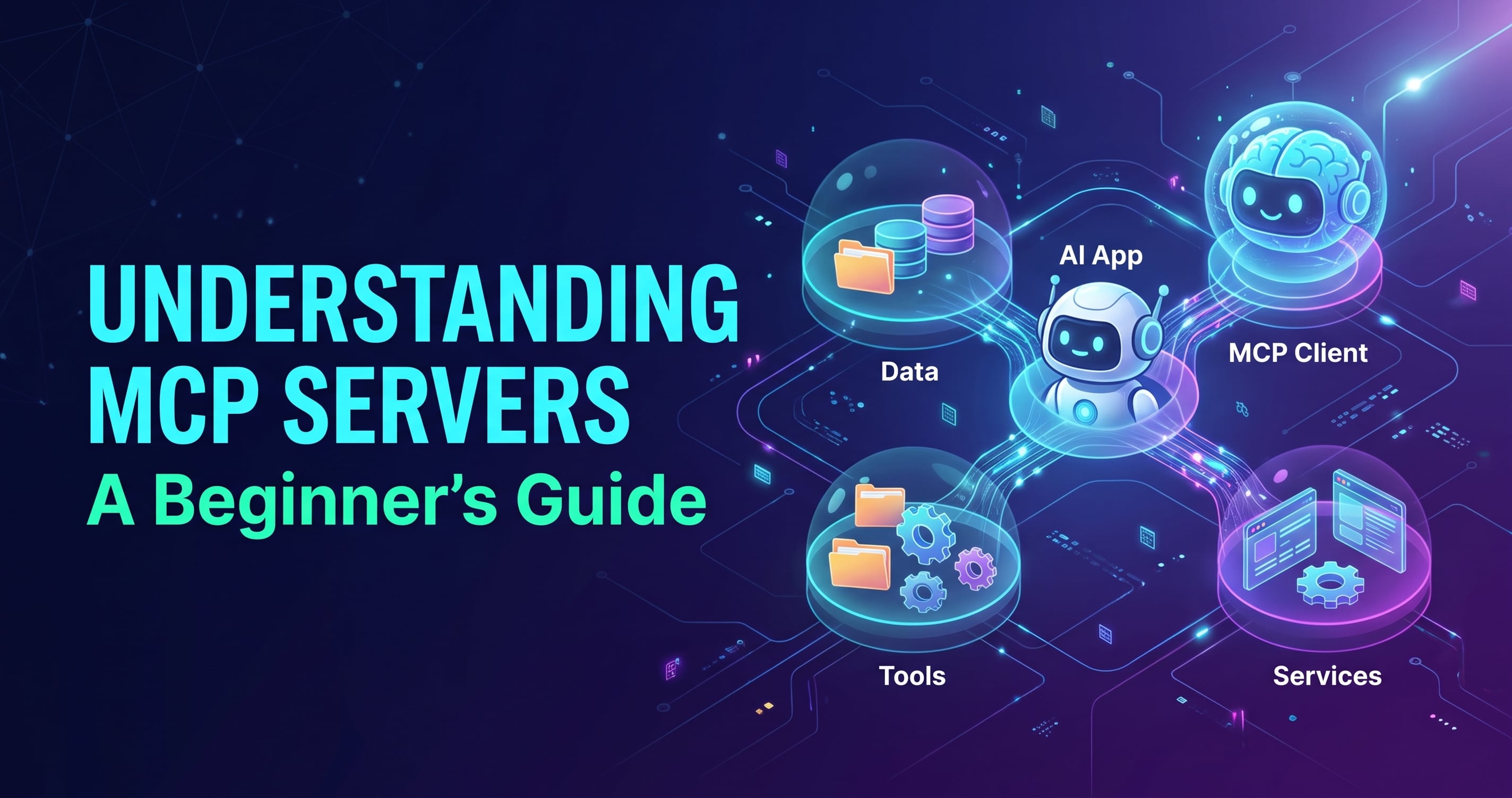
Large language models are good at reading and writing text, but on their own they can't check your calendar, query your database, or read a file on your laptop. To be useful in real work, they need a way to reach outside themselves.
The Model Context Protocol (MCP) is a standard way of doing that. In this post, you'll learn what MCP is, why it exists, how its pieces fit together, how they communicate, and what an MCP server can offer. You don't need any prior experience with LLM tooling, only some general software engineering background.
1. What is MCP?
The Model Context Protocol is an open standard that defines how AI applications connect to external tools and data. Anthropic introduced it in November 2024, and it has since been adopted well beyond Claude by many AI clients and developer tools.
Think of USB-C. Before it, every device had its own charger and cable. USB-C gave everyone one shared plug. MCP does the same for AI: instead of every AI app writing custom code for every service, both sides agree on one protocol.
In practice, MCP lets an AI application do three things:
Read data that lives outside the model, such as files, database rows, or documents.
Take actions in other systems, such as creating a ticket, sending a message, or running a query.
Reuse prompts that someone has already written and tested for a specific task.
A quick example: you're chatting with an AI assistant and ask, "Which of my open pull requests have failing tests?" The model can't know that by itself. With a GitHub MCP server connected, the assistant asks the server for your pull requests and their statuses, then writes the answer from the real data.
One term to define early: tool calling (also called function calling) is the ability of an LLM to say "I want to run this function with these arguments" instead of just producing text. The application runs the function and hands the result back to the model. MCP builds on this idea and standardizes how those tools are described, discovered, and called.
2. Why MCP?
To see why MCP matters, look at what building AI integrations was like before it.
The N×M problem
Suppose you have 3 AI applications (a chat assistant, a coding tool, and a support bot) and you want each to work with 4 services (GitHub, Slack, a database, and Google Drive). Without a standard, each pairing needs its own custom integration. That's 3 × 4 = 12 integrations, each with its own authentication, data formats, and error handling.
Add a fifth service and you write three more. Add a fourth app and you write five more. The work multiplies.
MCP turns that multiplication into addition. Each service is wrapped once as an MCP server. Each AI app implements MCP once as a client. Now 3 apps and 4 services need only 3 + 4 = 7 pieces, and any client works with any server.
What you get from that
Write once, use everywhere. A server you build for your internal API works with every MCP-compatible client, not just one vendor's product.
A growing ecosystem. Because the protocol is shared, you can reuse servers other people have published instead of writing everything yourself.
Less vendor lock-in. Your integrations belong to the protocol, not to a single AI product, so switching clients doesn't mean starting over.
Clear separation of concerns. The AI app focuses on the conversation and the model. The server focuses on talking to one system well. Neither needs to know the other's internals.
Self-describing tools. A server tells the client what it can do, including names, descriptions, and expected inputs. The AI can discover capabilities at runtime instead of having them hardcoded.
A note on control
Giving a model access to real systems raises fair security questions. MCP is designed so the host application stays in charge: it decides which servers to connect to and can ask the user to approve actions before they run. The protocol makes this possible, but good practice is still your responsibility. When you build servers, expose only what's needed and be careful with actions that change data.
When MCP might not be necessary
If you're building a single app that calls a single API, a plain function call may be enough. MCP pays off when you want reuse, interoperability, or many integrations.
3. How an MCP server works
An MCP setup has three roles.
Host: the AI application the user interacts with, such as a chat app or a code editor. It contains the LLM and decides which servers to connect to.
Client: a connector that lives inside the host. The host creates one client per server, and each client keeps a dedicated connection to its server.
Server: a small program that exposes capabilities (tools, data, prompts) from one system, such as GitHub, a database, or your local file system.
┌──────────────── Host (AI app) ────────────────┐
│   LLM                                         │
│   Client A ──────────►  Server A (GitHub)     │
│   Client B ──────────►  Server B (Database)   │
└───────────────────────────────────────────────┘
The server never talks to the LLM directly. It only answers requests from its client, and the host sits in the middle and mediates everything.
The lifecycle of a connection
Every MCP connection follows the same basic stages:
Initialize. The client connects and the two sides introduce themselves. They agree on a protocol version and share which features each supports. This is called capability negotiation.
Discover. The client asks the server what it offers: "Which tools do you have?" The server replies with names, descriptions, and the inputs each tool expects.
Operate. The client calls tools or reads data as needed, for as long as the session lasts.
Shut down. The connection closes cleanly when the host is done.
A request, step by step
Say you have a server with a get_weather tool, and you ask the assistant, "Do I need an umbrella in Dhaka today?"
When the host started, it connected to the weather server and learned that
get_weatherexists, along with what it needs (a city name).The host passes your question to the LLM, along with the list of available tools.
The LLM decides it needs weather data and asks to call
get_weatherwithcity: "Dhaka".The host (often after your approval) tells the client to send that request to the server.
The server fetches the weather, however it likes, and returns the result.
The host gives the result back to the LLM, which writes a natural-language answer.
The model decides what to call, the host controls whether it's allowed, and the server handles how it gets done. Your server code can be as simple as a function that returns text.
4. How MCP communicates
MCP messages use JSON-RPC 2.0, a simple, widely used format for remote procedure calls over JSON. If you've seen a JSON request with a method name and params, you already know most of it.
Three message types
Request: asks the other side to do something and expects an answer. It has an
id, amethod, and optionalparams.Response: the answer to a request. It carries the same
idand either aresultor anerror.Notification: a one-way message with no
idand no reply, used for things like "my tool list changed."
Here's the client asking the server for its tools:
{ "jsonrpc": "2.0", "id": 1, "method": "tools/list" }
And the server's response:
{
  "jsonrpc": "2.0",
  "id": 1,
  "result": {
    "tools": [
      {
        "name": "get_weather",
        "description": "Get the current weather for a city",
        "inputSchema": {
          "type": "object",
          "properties": { "city": { "type": "string" } },
          "required": ["city"]
        }
      }
    ]
  }
}
Calling the tool is the same pattern, using the tools/call method:
{
  "jsonrpc": "2.0",
  "id": 2,
  "method": "tools/call",
  "params": { "name": "get_weather", "arguments": { "city": "Dhaka" } }
}
The method names you'll meet most often are initialize, tools/list, tools/call, resources/list, resources/read, prompts/list, and prompts/get.
Transports: how the messages travel
JSON-RPC defines the shape of messages. A transport defines how they get from A to B. MCP specifies two standard ones:
1. stdio (standard input/output) The host launches your server as a child process and exchanges messages through its stdin and stdout, one JSON message per line. It's the simplest option: no ports, no networking, no auth setup. It's ideal for local servers, like one that reads files on your machine.
⚠️ With stdio, stdout is reserved for protocol messages. If your server prints debug text with
console.log, it will corrupt the stream. Log to stderr instead (console.error).
2. Streamable HTTP The server runs as an independent web service, and clients send requests over HTTP. It can stream responses back when needed. This is the choice for remote servers shared by many users, and it supports standard web authentication. It replaced an older HTTP + Server-Sent Events transport, so you may see references to that in older tutorials.
| stdio | Streamable HTTP | |
|---|---|---|
| Runs | Locally, as a child process | Anywhere, as a web service |
| Best for | Personal tools, local files | Shared or hosted servers |
| Setup | Minimal | Needs hosting and auth |
Because the protocol is separate from the transport, you can usually write your server logic once and change how it's exposed later.
5. MCP components
A server can offer three kinds of capabilities, often called primitives. Each is designed to be controlled by a different party, and that difference is the easiest way to tell them apart.
Tools: actions the model can take
Tools are functions the LLM can decide to call. Each has a name, a description, and an input schema that says what arguments it accepts. Examples: create_issue, run_query, send_email.
Controlled by: the model (with the host's approval).
Use for: doing something or computing something.
Tip: write the description for the model, not for humans. A clear description is how the LLM knows when to use the tool.
Resources: data the app can read
Resources are read-only pieces of content identified by a URI, such as file:///notes/todo.md or db://customers/42. They give the AI context without performing any action.
Controlled by: the application. The host decides which resources to load into the conversation, for example when a user attaches one.
Use for: files, documents, database records, API responses.
Prompts: reusable templates
Prompts are pre-written message templates a server offers, optionally with parameters. A code-review server might provide a review_code prompt that takes a file and produces a well-structured request for the model.
Controlled by: the user, who typically picks them explicitly, like a slash command.
Use for: repeatable workflows you want to standardize.
| Primitive | Who decides to use it | Think of it as |
|---|---|---|
| Tools | The model | A function to call |
| Resources | The application | A file to read |
| Prompts | The user | A saved template |
What clients can offer back
Communication goes both ways. Clients can expose a few features that servers may request:
Sampling: the server asks the host's LLM to generate a completion, so a server can use AI without holding its own API keys.
Roots: the client tells the server which folders or locations it's allowed to work in.
Elicitation: the server asks the user for extra input mid-task, such as a missing parameter or a confirmation.
Most servers you build as a beginner will start with tools, so that's the primitive to learn first.
Quick recap of the architecture
Host runs the LLM and manages connections.
Client is the host's dedicated connector to one server.
Server exposes tools, resources, and prompts.
Transport (stdio or Streamable HTTP) carries the messages.
Protocol (JSON-RPC 2.0) defines what those messages look like.
Wrapping up
MCP gives AI applications one standard way to reach the outside world, so integrations are built once and reused everywhere. A host runs the model, a client connects to each server, and servers expose tools, resources, and prompts over JSON-RPC, carried by stdio or Streamable HTTP.
With this mental model in place, you're ready to build one. In the next post, we'll create a minimal MCP server in Node.js, step by step.
Comments
Join the discussionNo comments yet. Be the first to comment.